What you will achieve
- Identify the step where the problem appears.
- Prepare a useful support question without sharing private data.
Before you start
- Keep the original INP and the exact message you observed.
- Distinguish an import problem from a calculation or result-reading problem.
01
If the expected network is not visible
Check that you chose an EPANET .inp file. Read the import message before continuing, and fit the network to the view.
- If an error appears, keep its exact text rather than paraphrasing it.
- If the network loads but seems incomplete, compare its elements with the original file.
- Do not assume nodes are missing just because they are outside the view.
02
If results do not appear
Seeing the drawing does not mean the calculation has finished. Run the steady-state calculation and read its confirmation or error message.
- Do not interpret missing values as zero.
- After changing model data, recalculate before comparing results.
- If the calculation fails, record the message and case conditions before changing data at random.
03
If a value or color looks unexpected
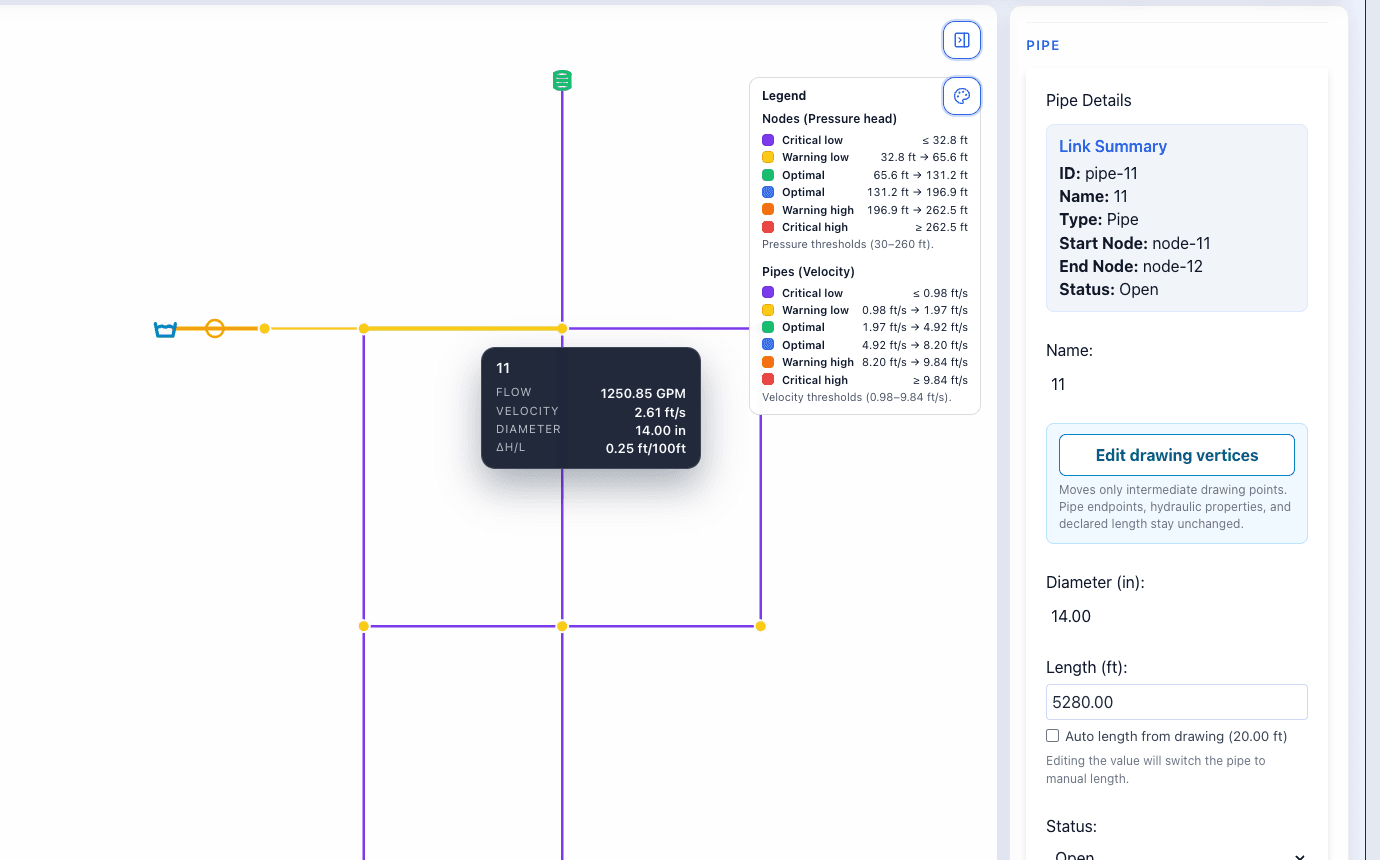
Start with the element ID, quantity, and unit. Then check the legend and model data.
- Confirm that you selected the intended node or pipe.
- Check whether you are reading an input or a calculated result.
- A warning color calls for review; it does not alone demonstrate a software error or design failure.
Do it in WatDis
- Record the step where the problem occurs, the element ID, and the unit.
- Prepare a cropped screenshot of the message or panel without customer names or sensitive data.
- State whether you were importing, running, or reviewing, and include steps to reproduce it.
Common mistakes
Changing several values at once
This makes it harder to identify the cause. Keep the original and try one identifiable change.
Sending only a colored network image
Include the message, element, units, and steps so the question can be reproduced.